Photographer and Designer
Photography and Photoshop Class
Spring, 2024
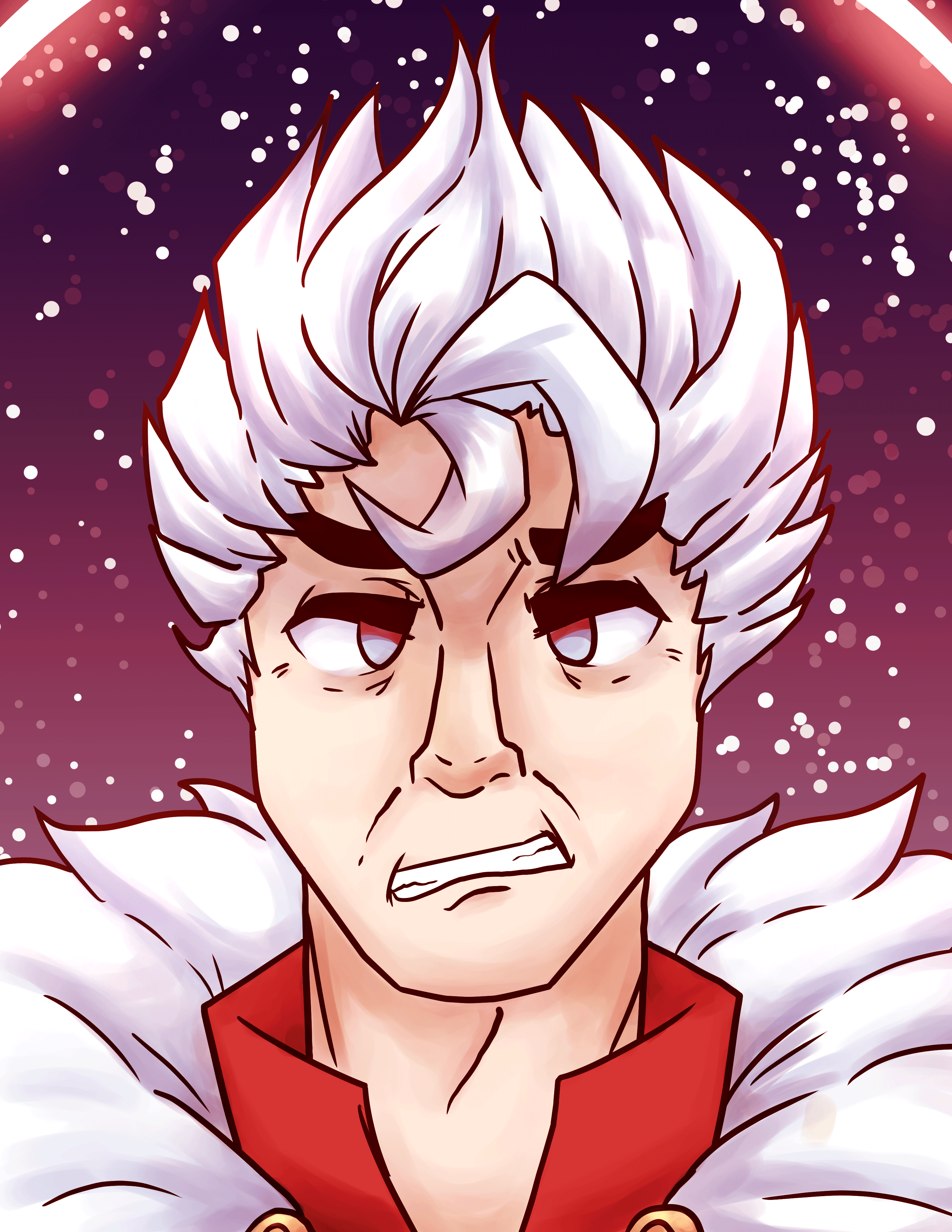
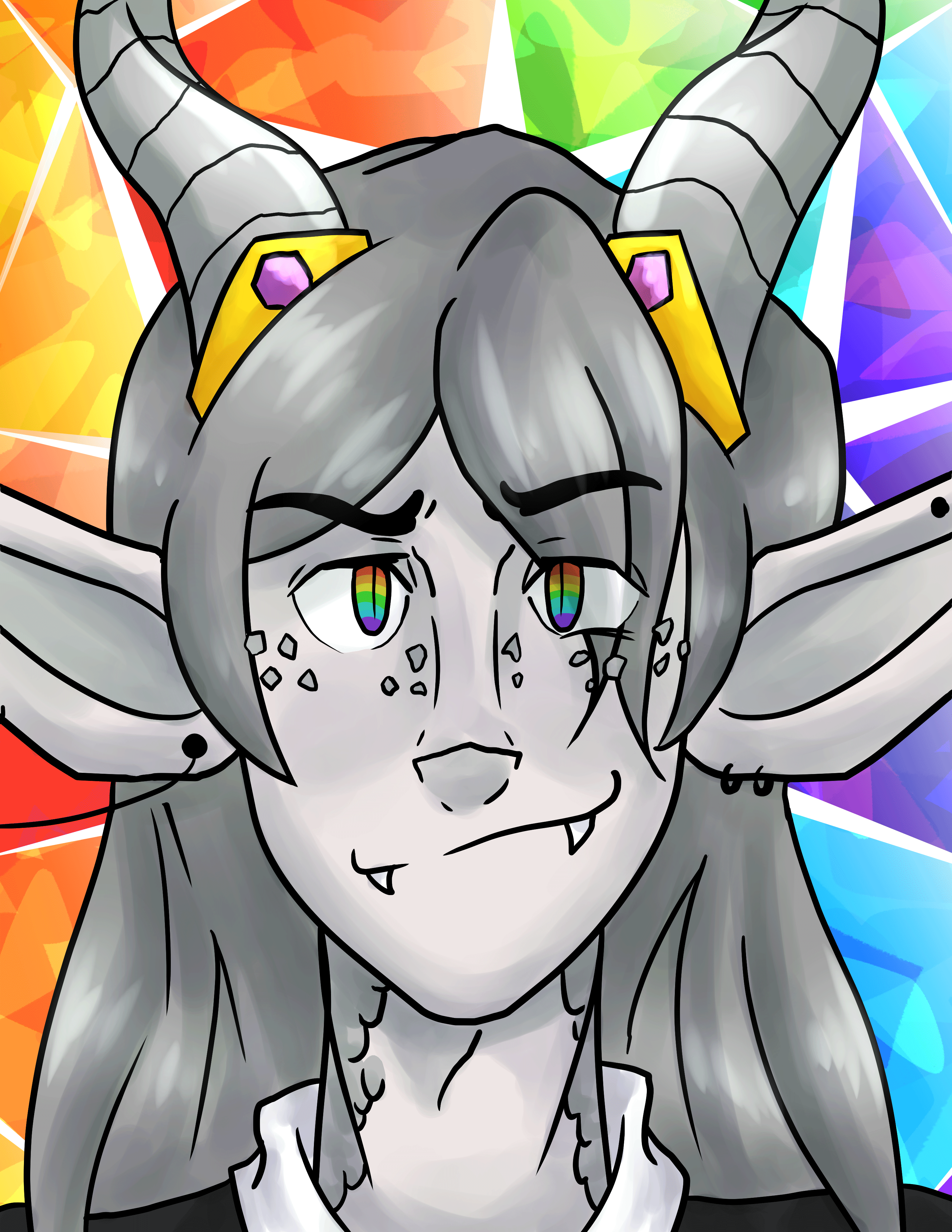
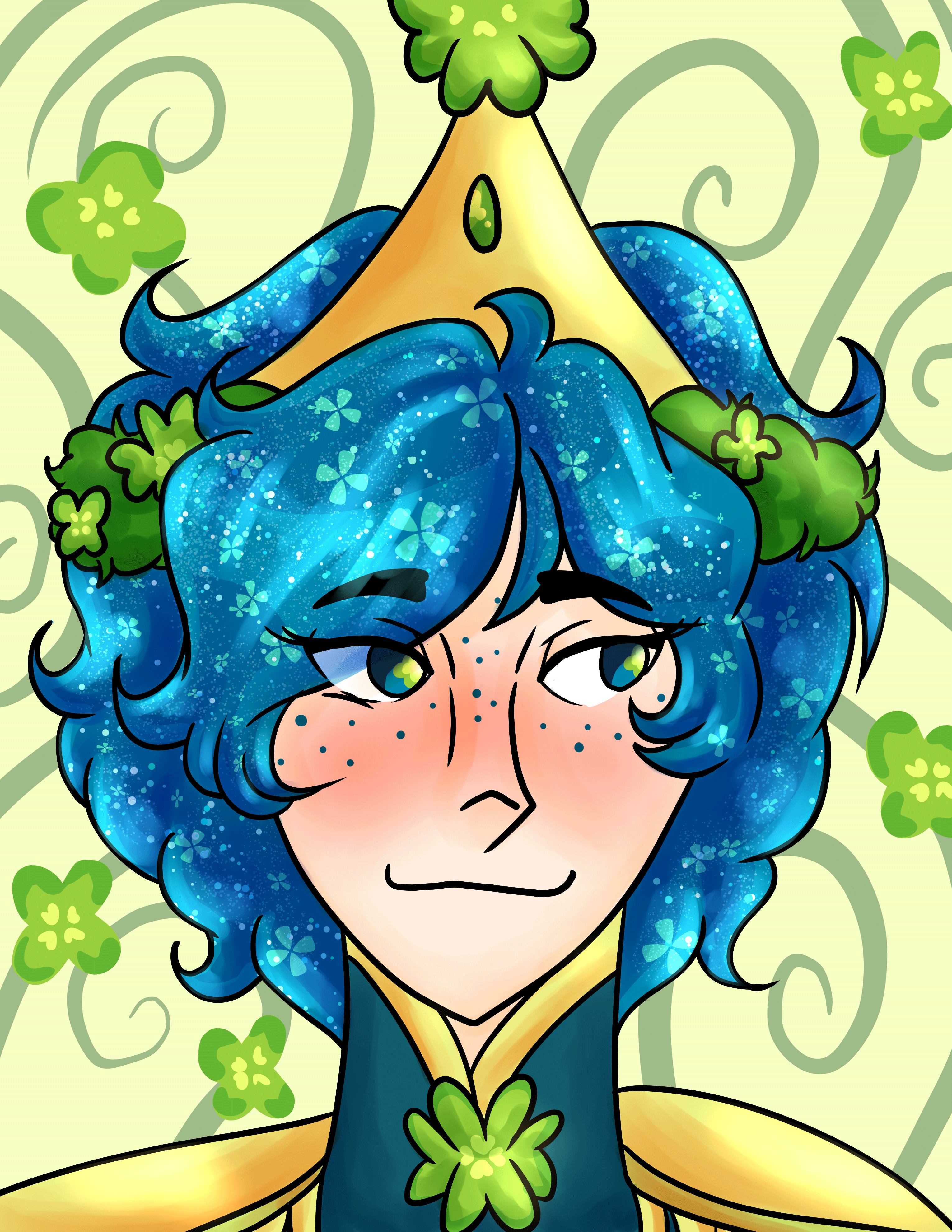
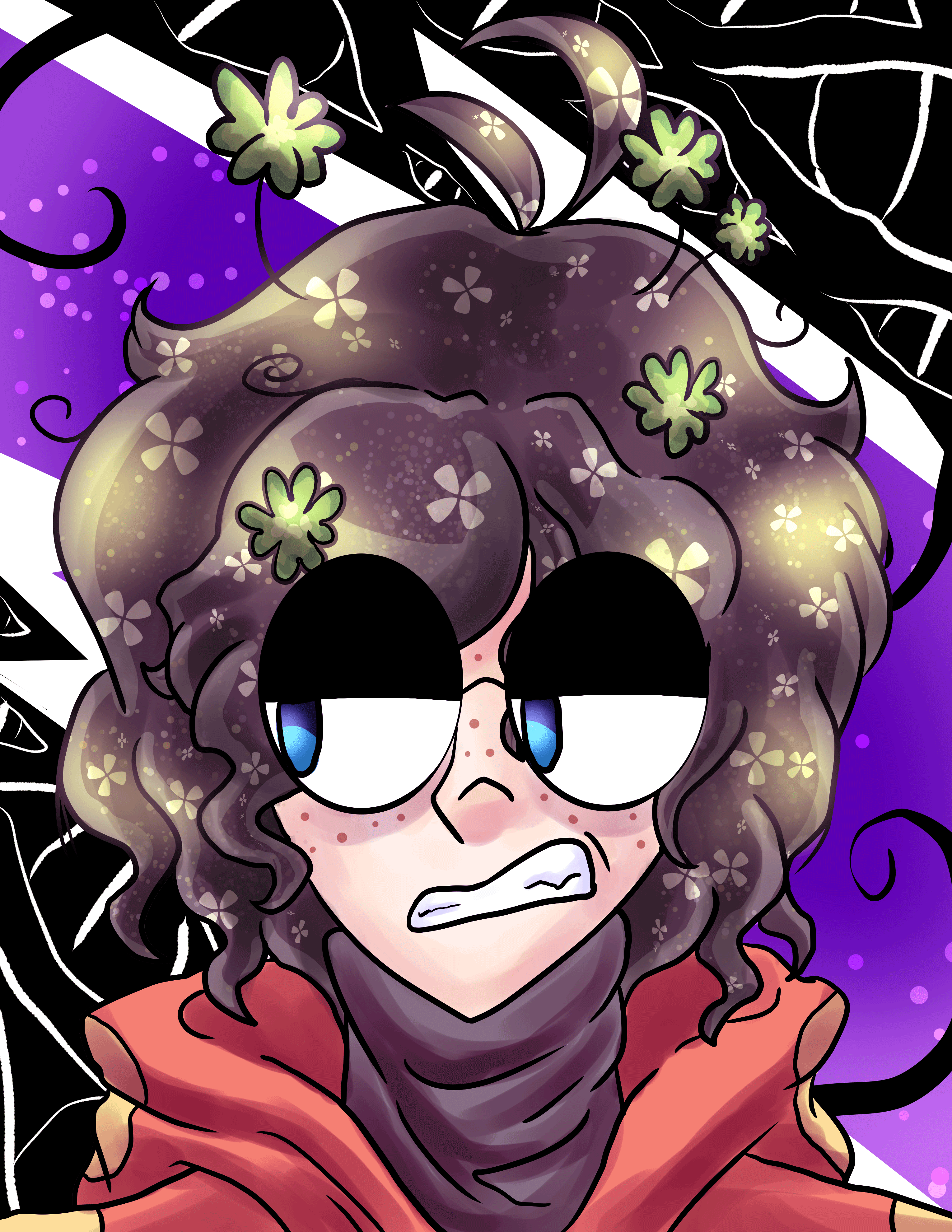
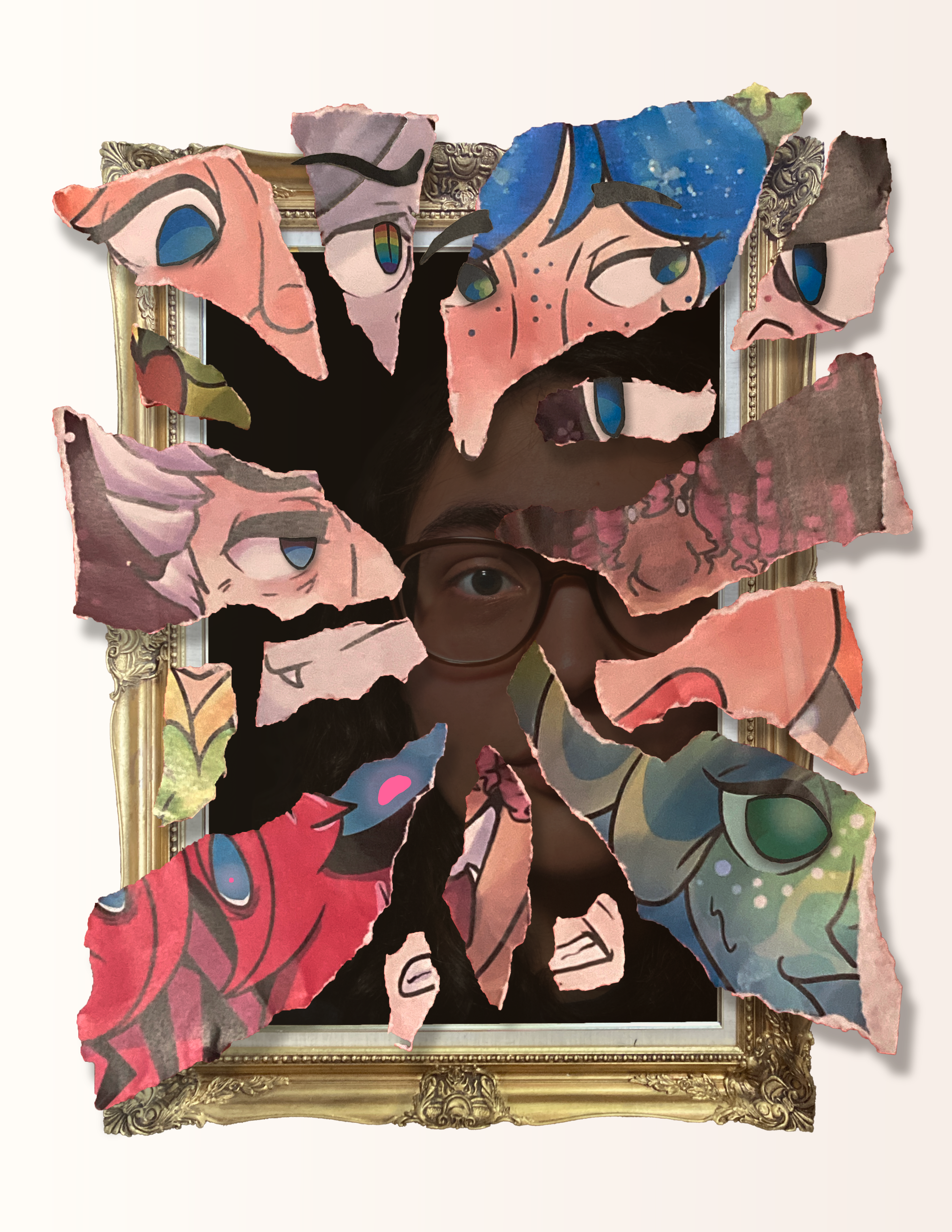
This project was created for my Photography and Photoshop course in spring, 2024. The goal of this assignment was to make an avatar for myself using the skills we had gained throughout the quarter as well as skills learned just for the assignment. Skills like image masking and photoshop effects. All assets had to be created by me. I wanted to create a variety of assets that I could piece together that could create a very physical, textured 3D effect.
The final, printed version of this assignment was given to my professor, and finds its home in Fort Steilacoom. This version keeps all the original pieces of paper used in the assignment, layered on top to make a real 3D effect.
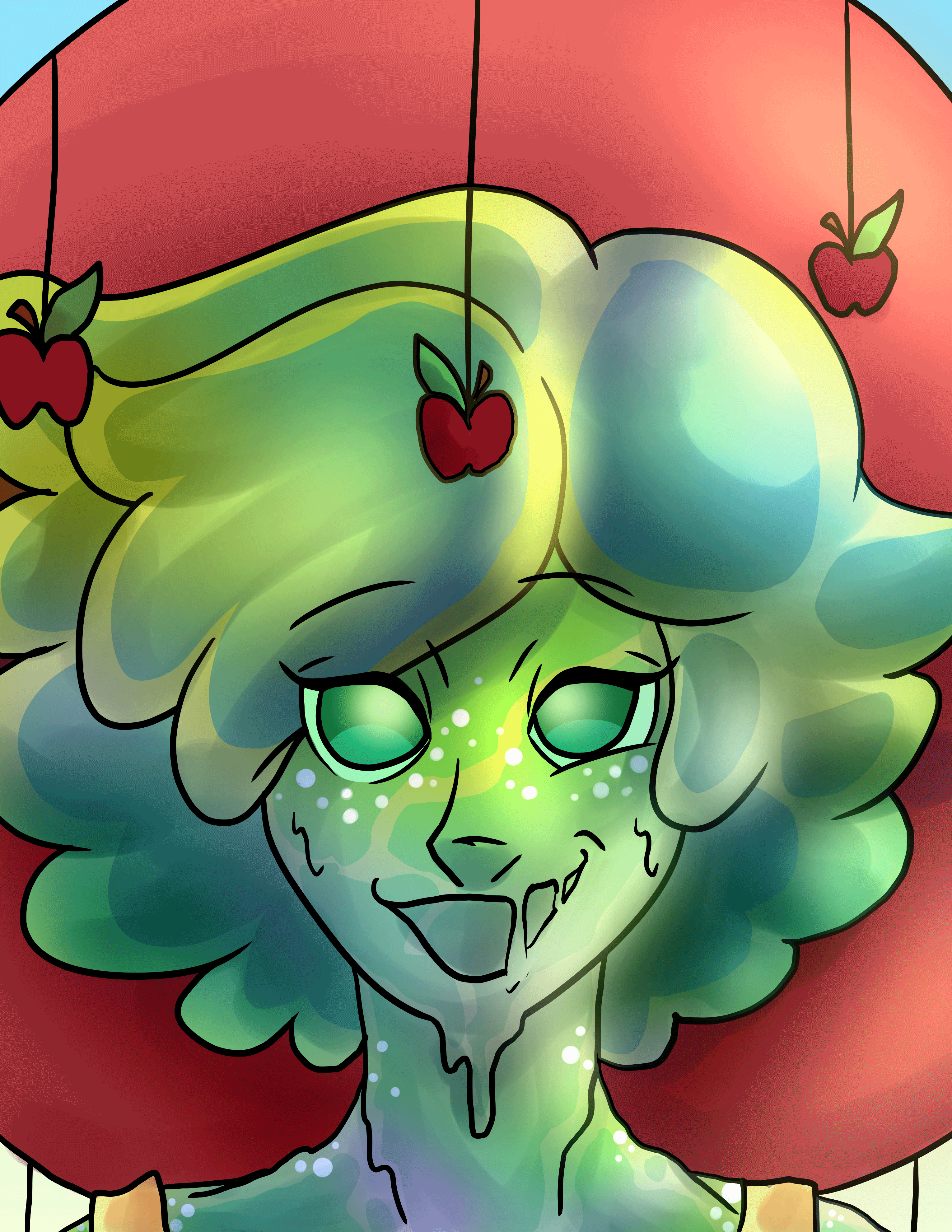
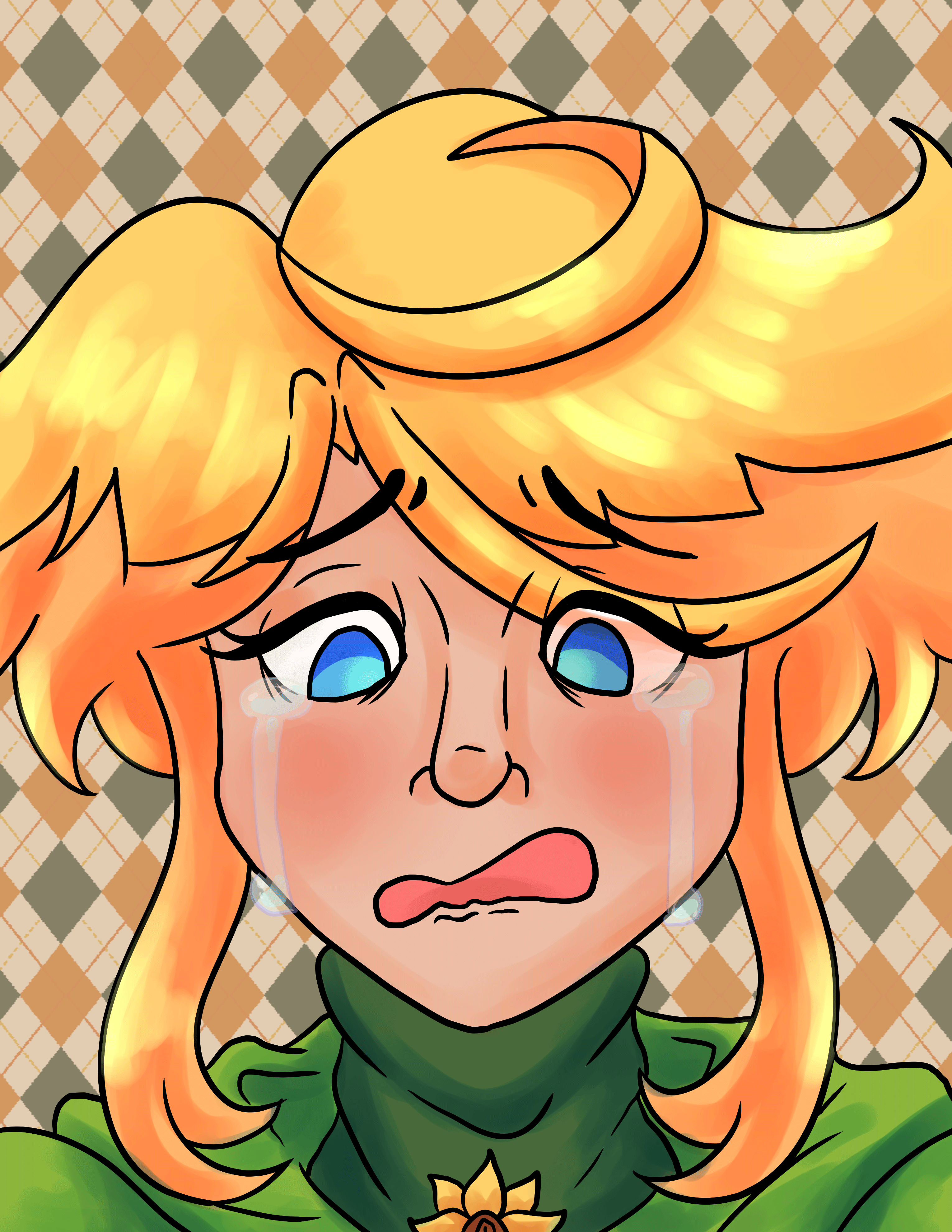
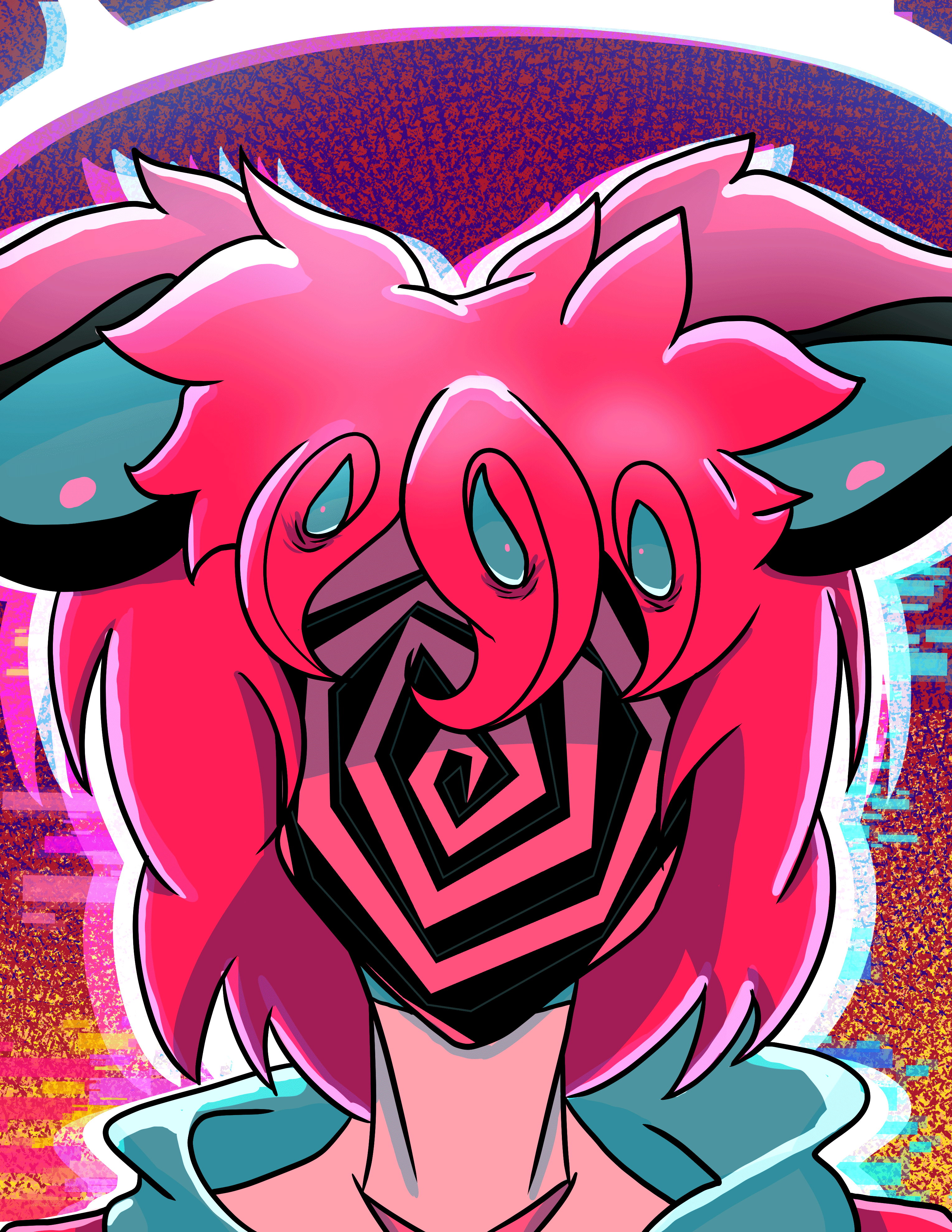
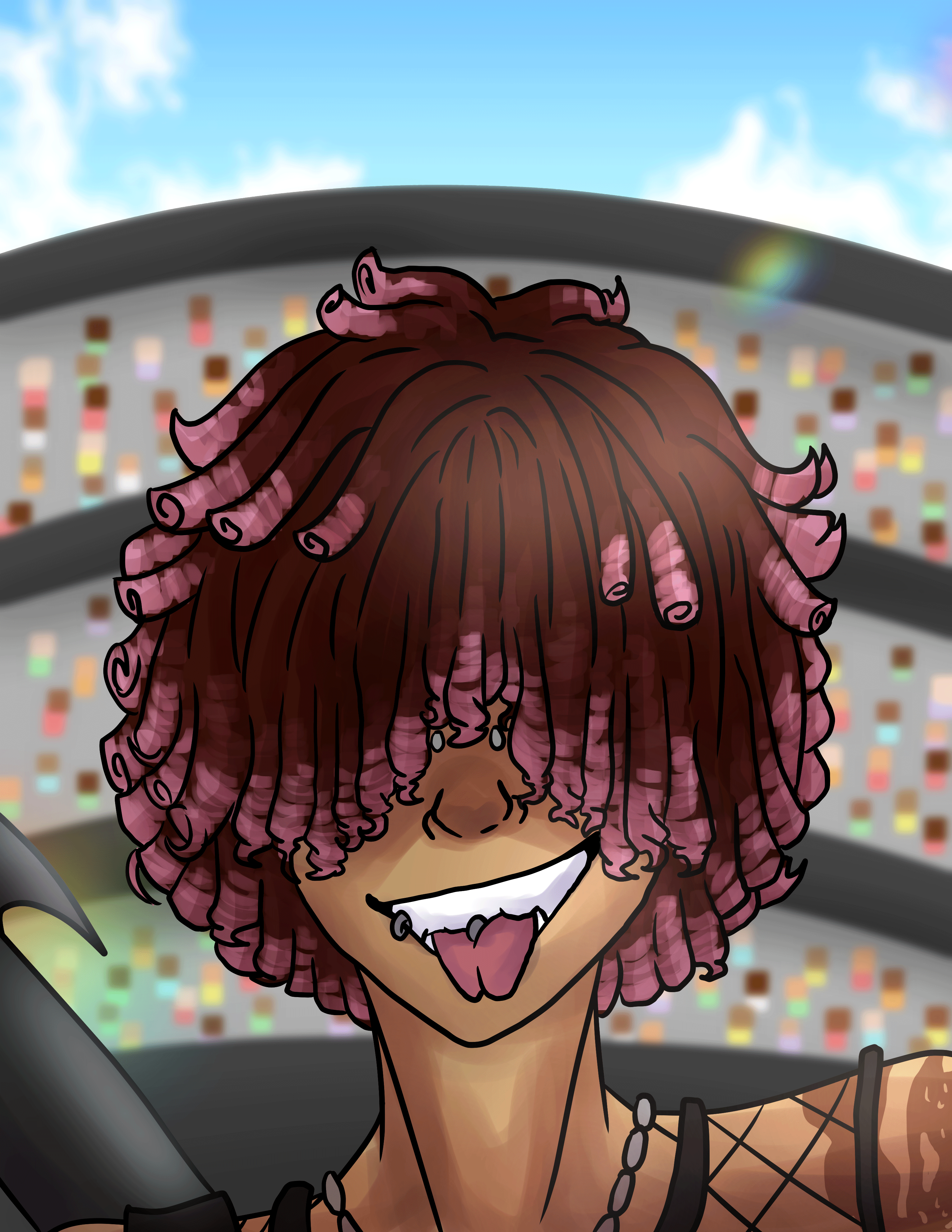
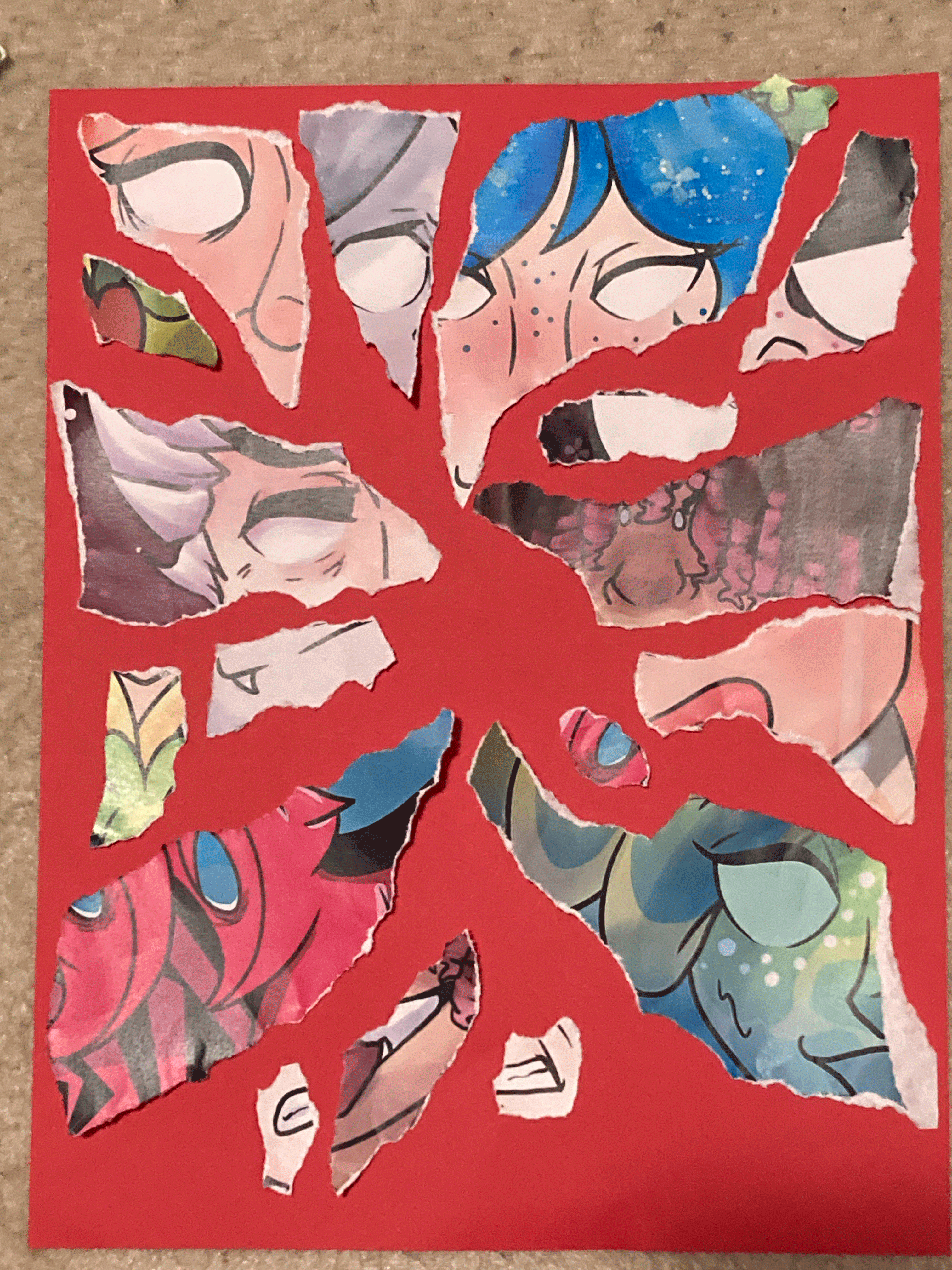
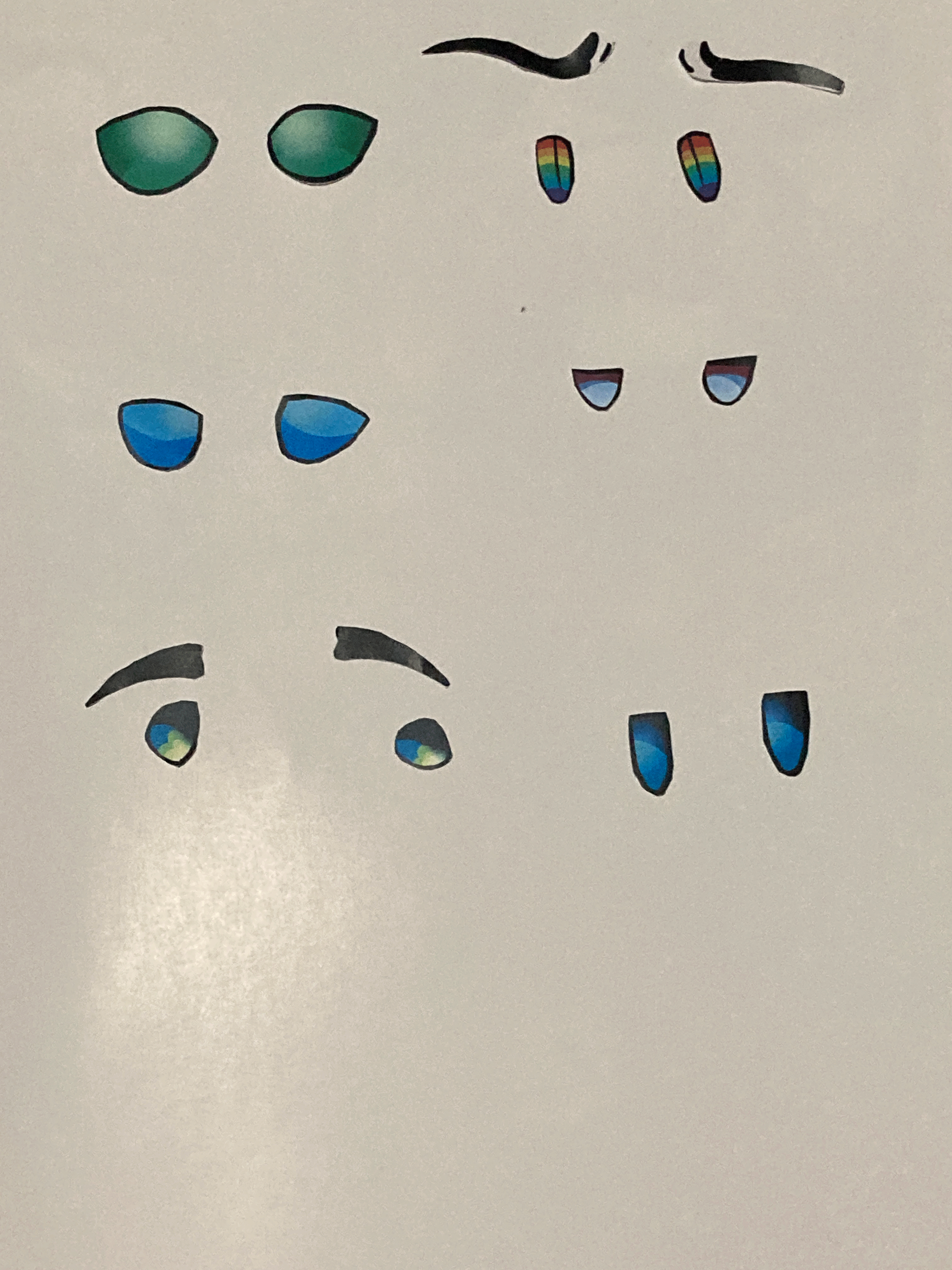
For this project, I wanted to take on a more literal interpretation of the concept of an 'avatar'. I was very inspired by images of shattered mirrors where each shatter represented a different aspect of a person. I wanted to utilize my TTRPG characters in a collage style. So I started with drawing each of these characters out in Clip Studio Paint. This process took about 4 days. One for sketching, one for inking, one coloring, one rendering. Once they were done, I removed the eyes of each of the characters and printed them out seperately.
I would make a template in Clip Studio Paint to give an idea for the shape of each piece and who would be represented in them. I mainly wanted to focus on eyes and mouths for this. Once I figured out my pieces, I printed that out, cut out those pieces, and used them as a template. Similar to what one might do while sewing.
Finally, I got to work tearing the pictures into shape. I would just use scissors to cute the eyes, but all the face pieces had to be hand torn in order to get that papery raw edge that I wanted. When I was done, I took pictures of all my assets, uploaded them to my computer, and assembled everything in photoshop.
I would make a template in Clip Studio Paint to give an idea for the shape of each piece and who would be represented in them. I mainly wanted to focus on eyes and mouths for this. Once I figured out my pieces, I printed that out, cut out those pieces, and used them as a template. Similar to what one might do while sewing.
Finally, I got to work tearing the pictures into shape. I would just use scissors to cut the eyes, but all the face pieces had to be hand torn in order to get that papery raw edge that I wanted. Additionally some of the eyes were too small, so I decided to add those in later, digitally. When I was done, I took pictures of all my assets, uploaded them to my computer, and assembled everything in photoshop.
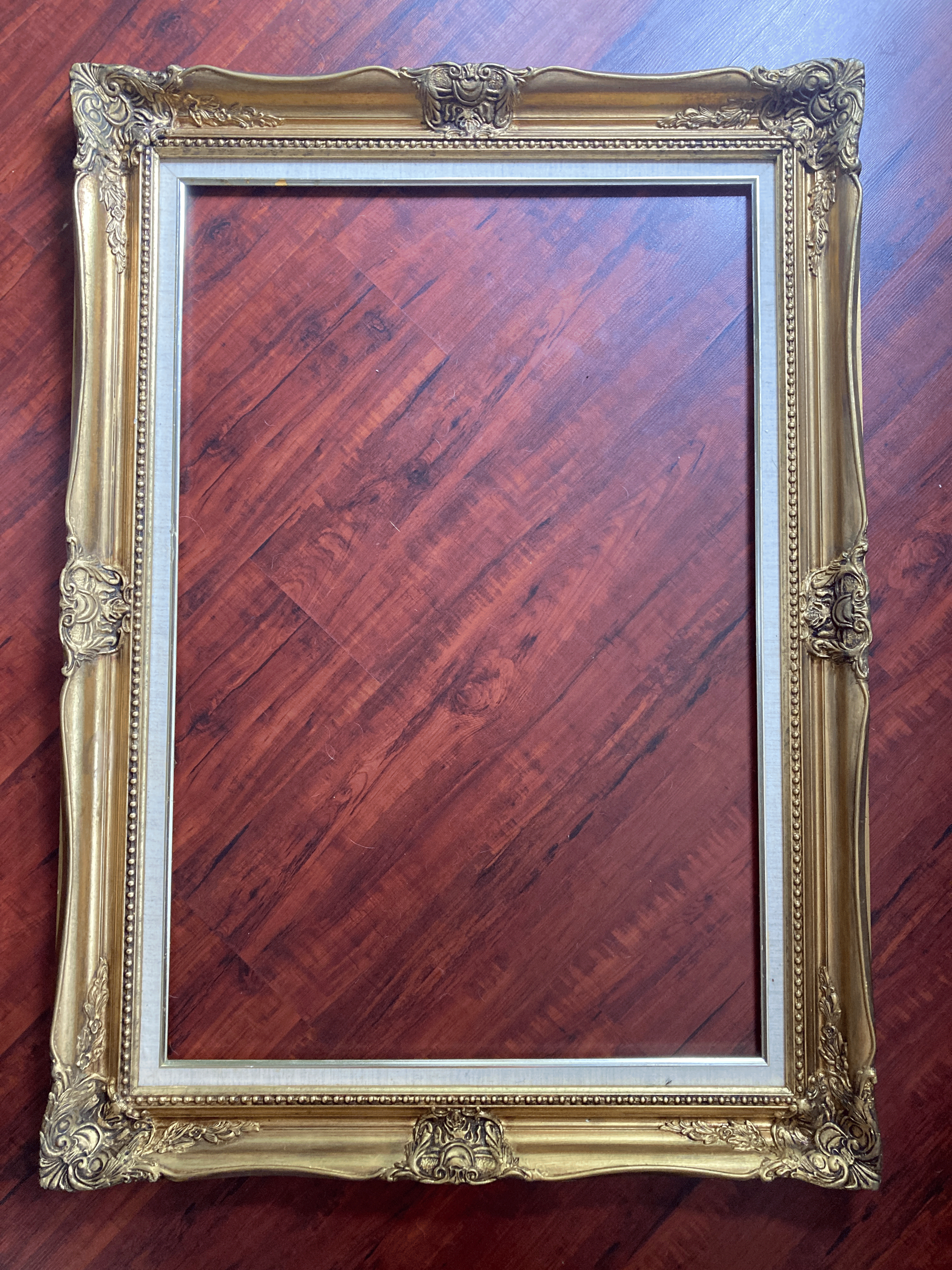
I would mask out the frame to start out with, and I used a black rectangle to form the background. From there, I masked out each piece of paper, and pasted them over the frame, arranging them how they were on the red sheet of paper.
For this particular project I served as a photographer, taking pictures of all my assets, and as the designer, putting the image together in photoshop. It was entirely up to me how I wanted to put this project together.
One of the major challenges of this assignment was that all of the assets had to be purely, originally mine. I couldn't get away with utilizing stock images for things that I tangibly lacked. If I couldn't make an asset for myself, I'd have to scrap the concept.
I ran into a few problem when working on this project.
1. Originally, I wanted to use mirror shards to accomplish the sort of 'shattered' effect, but I didn't want to break any of my own mirrors, nor did I want to buy a mirror for the purpose of breaking it.
2. I had a lot of trouble picking out a picture for myself. While I like take photographs of other things, I'm not fond of self portraits, and I wasn't fully sure what sort of expression or angle to use.
3. For my final version of my assignment, I wanted to make it into an animated gif, my neither my laptop nor my computer had enough memory to actually save the animation as a gif.
For my first problem, I had landed on using paper scraps instead of mirror shards to complete the effect instead. I could remember watching a Drawfee video where they discussed how replicating an effect could sometimes take longer to learn than making a practical effect, so it felt better to create a physical, paper tear effect then try and digitally recreate mirror shards. I also decided that paper plays into my theme better because most character sheets used in TTRPGs are written on paper.
With my second problem, I ended up arranging everything in photoshop first. Once I had the final layout, it was easier to get a decent picture that showed the amount of my face that I desired. It turned out my expression didn't matter much since most of my face is hidden.
When I wasn't able to save the image as a gif, I looked online for some tips. One of the suggestions was to save as an MP4 and then use a gif convertor after. It got the job done, albeit with some artifacting.